iOS · Apple Health · Bluetooth body scales

Your scale, straight to Health.

Open the app. Step on your scale. Your measurement lands in Apple Health. That's the whole app.

In review · launching soon
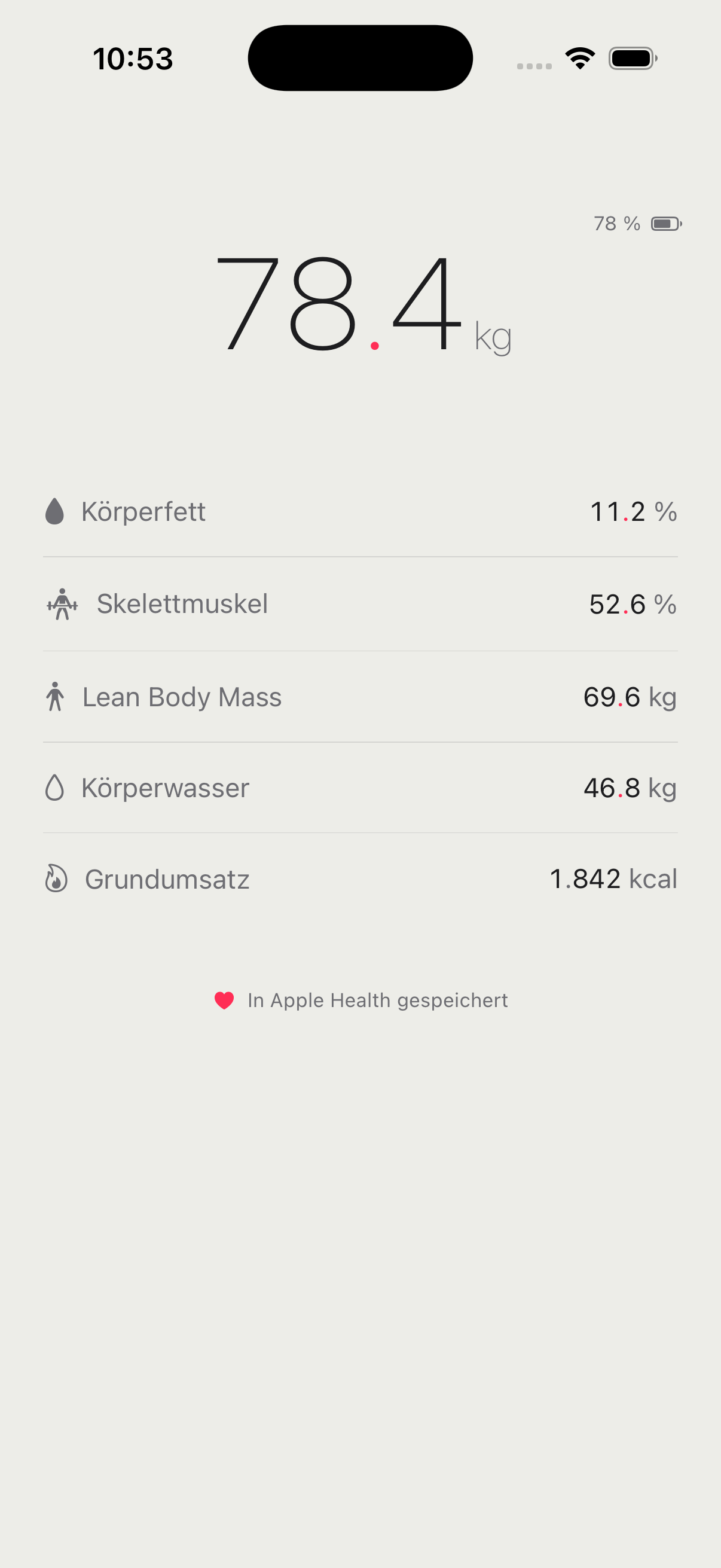
ScaleToHealth measurement result screen
78 % ▮
78.4 kg
Body Fat11.2 %
Skeletal Muscle52.6 %
Lean Body Mass69.6 kg
Body Water46.8 kg
Basal Metabolism1.842 kcal
Saved to Apple Health

Four things it will never do.

This app is a quiet record-keeper. What it deliberately leaves out is the product — in favor of calm, privacy and trust.

No logging

The app keeps no history of its own. Apple Health is the single source of truth.

No account

No sign-up, no registration, no email. Nothing to create, nothing to forget.

No ads

No banners, no tracking, no telemetry. Your data only ever moves toward Health.

No purchases

No subscription, no in-app buys, no paywall. It asks for nothing and sells nothing.

Open, step on, done.

Once it's open, the app connects on its own, reads the measurement on its own, and writes it to Health on its own. Nothing to set, nothing to tap.

Step 01

App on, scale on

Launch the app and switch on your Bluetooth scale. It finds and pairs automatically — no scanning screen, no buttons.

App searching for the scale
Step 02

Measure

Step on. Weight, body fat, muscle, lean body mass, body water and basal metabolism read live, right on screen.

Live weight reading on the scale
Step 03

It's in Health

Every value is written as a native HealthKit data point. Trends, history and comparisons live where they belong — in Health.

Measurement saved to Apple Health

One quick setup, then never again.

Body analysis needs your age, height and sex. The app reads them from Apple Health if they're already there — otherwise you enter them once. No account, just three numbers.

One time only

Age, height & sex

The scale uses these to calculate body fat, muscle and the rest. They stay on your device and are sent only to the scale.

Read from Apple Health — if the values already exist, nothing to type.
Enter manually — a single small form, then it's done for good.
One-time profile setup: age, height and sex

At home in either appearance.

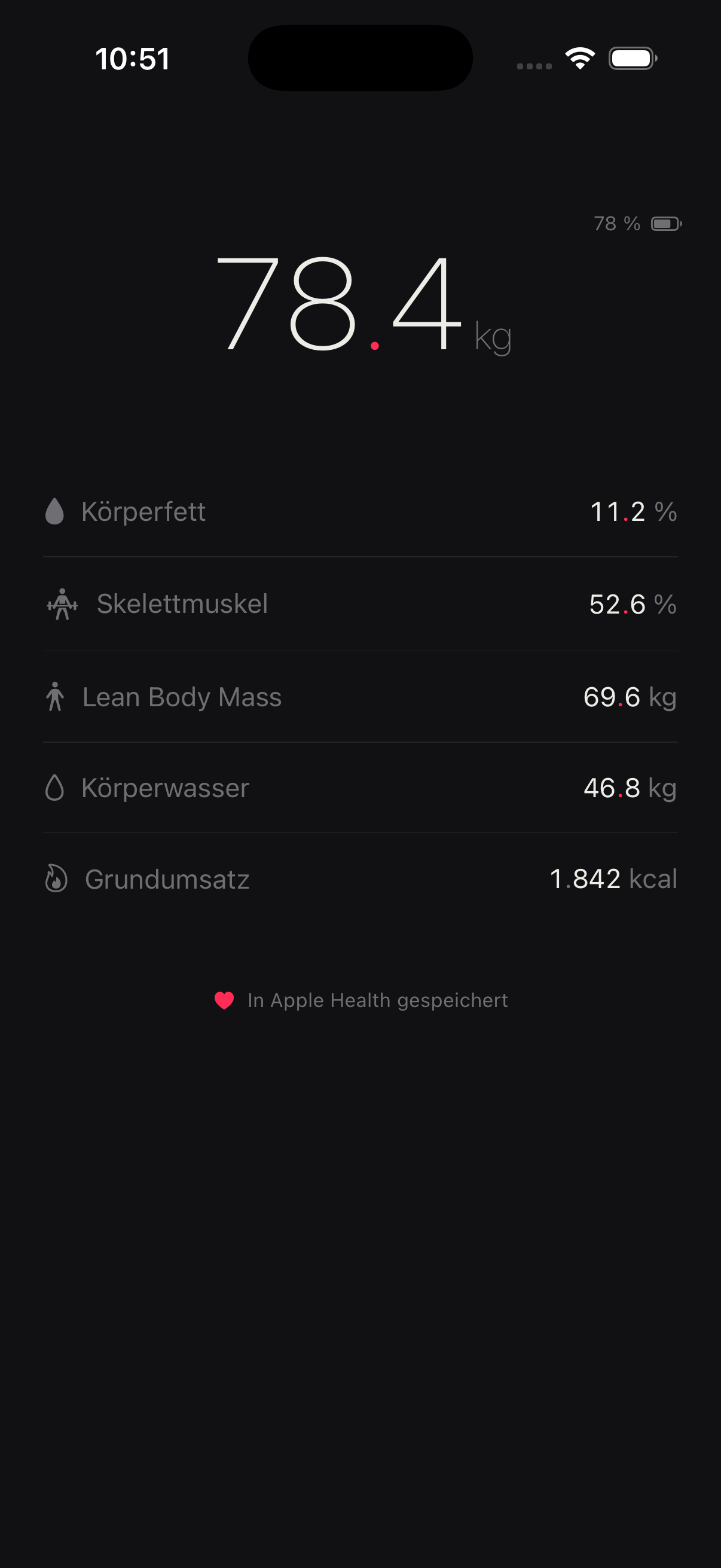
The app follows your system setting — near-black by night, dirty-white by day. Same measurement, same single red accent on the decimal point.

Result screen in dark mode
Dark
Result screen in light mode
Light

More scales than one.

The app started with Soehnle, but it now speaks the protocols of several Bluetooth scales. Some are tested end-to-end; others are built in and look promising — worth a try. Either way, weight and body values go straight to Apple Health.

Scale Status
SoehnleShape Sense Connect Tested & supported
Beurer / SanitasBF700 · BF710 · SBF70 Built in — give it a try
XiaomiMi Body Composition Scale (Gen 1 & 2) Built in — give it a try

Yours not listed?

Many Bluetooth scales speak the same standard. Open the app next to your scale and step on — if a measurement appears, you're done. Either way, a quick note tells us what to support next.

Your data leaves the device in exactly one direction: toward Apple Health.

No cloud. No account. No telemetry. What happens on your iPhone stays on your iPhone.

Weigh in. The rest is quiet.